Deltek Vision Tips: Setting Up Remote Access for Deltek Touch
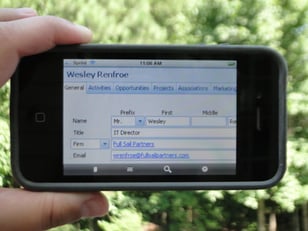 So, you’ve heard about the new Vision Unleashed, Deltek Touch Time and CRM mobile applications and want your smartphone users to be able to utilize these applications to access Vision offsite. Perhaps you like the idea of your Vision users having the ability to work from home or abroad or maybe you think the new Navigator interface would be really helpful for project managers out in the field. However, you feel opening up Vision access from the web sounds kind of scary and you have questions. Is it safe? Is it expensive to set up? Is it hard to configure?
Well, let’s take a look!
Is it safe?
Yes it is! When properly deployed using Secure HTTP and a strong password policy, accessing your Vision data from anywhere is as safe as accessing your banking information.
Is it expensive?
Only in the time to set up (generally an hour or two) and the purchase of a security certificate. The certificate is good for several years and costs only a few hundred dollars.
Is it hard to configure?
For a single server install the process is simple and can be completed with very little downtime or afterhours with proper planning. Multi-tier installs offer a bit more complexity and should be discussed to ensure all the nuances are covered before beginning. Full Sail Partners has assisted many firms with the transition. Feel free to reach out to us for support.
Here are the steps to open Deltek Vision to the internet to allow your firm access to new features like Deltek Touch.
- Configure a Fully Qualified Domain Name (FQDN) that you will use to reach Vision from offsite. ‘Vision.yourcompanyname.com’ is a common format.
- Purchase and install a SSL security certificate for your new FQDN on your Vision server.
- Modify your firewall rules to allow port 443 (secure http) traffic to be forwarded to your Vision server. Note: This is a good time to try visiting your Vision login page to see if everything is on the right track, in Internet Explorer. Visit HTTPS://Vision.yourcompanyname.com and make sure it loads.
- Verify the FQDN is also reachable internally, DNS may need tweaking.
- In Reporting Services Configuration Manager, under the Web Service URL tab, add the SSL identities now available since applying the new security certificate.
- In the Vision Weblink, on the reporting tab, change the Server URL to your new FQDN/reportserver. For example: https://vision.yourcompanyname.com/reportserver. Note: Be sure to click the Test button to verify you have it right!
- Voila! You should now be able to log in from both onsite and offsite and successfully run reports. Once verified, you can notify all of your users to use the new link for their Vision needs.
iAccess, Deltek Touch, and Vision Unleashed can now be deployed. Enjoy safely and securely accessing Vision, anywhere, anytime! Let us know your experience.


 When evaluating if engaging a consultant on a custom programming effort makes sense for your firm, here are some key questions to ask your internal team:
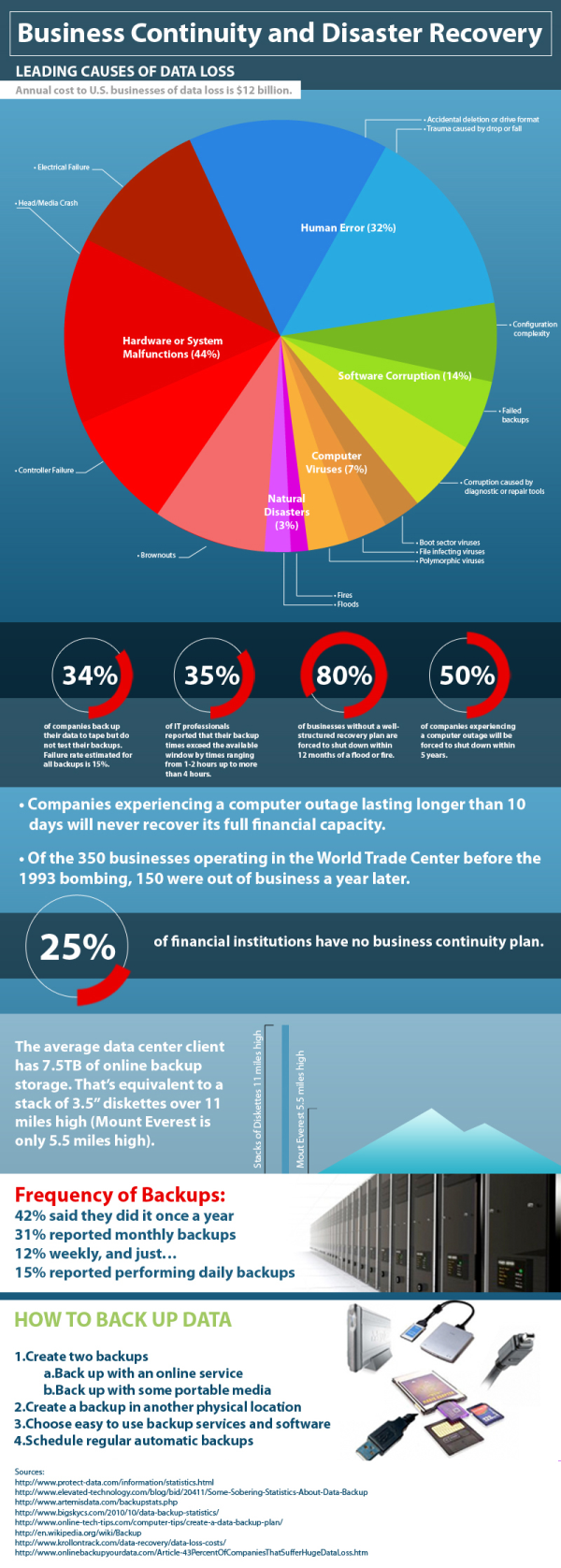
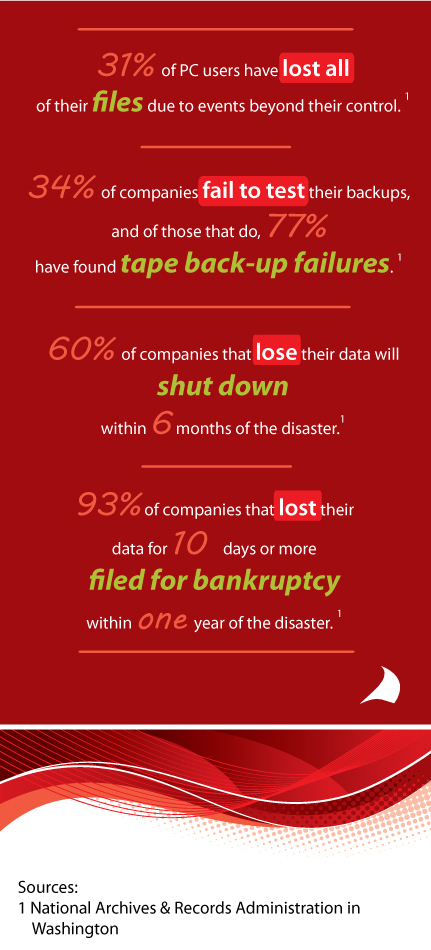
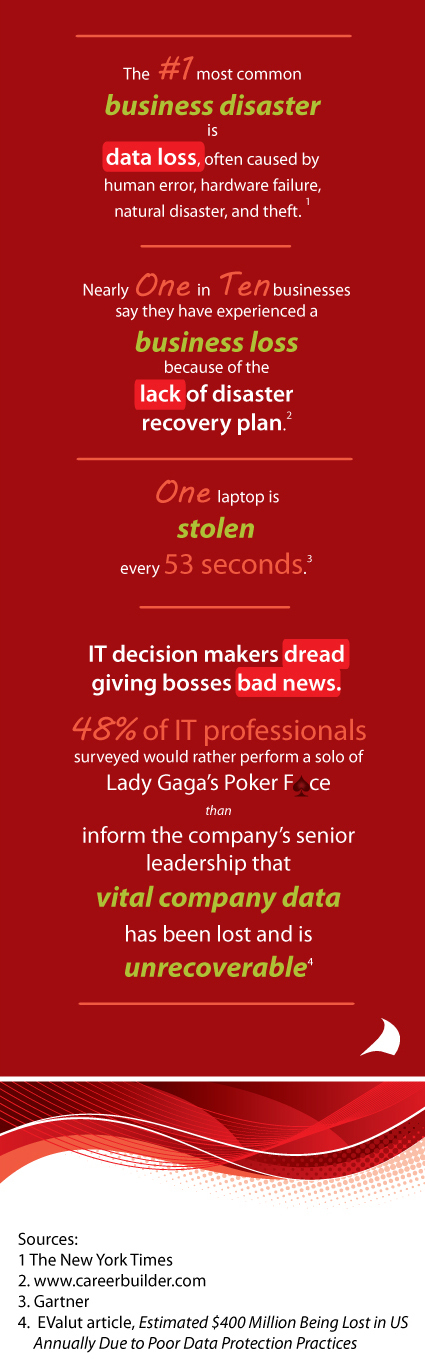
 In my day-to-day conversations with companies I am often discussing IT support issues surrounding their firms’ backup plan for their firms’ key financial and marketing data. As I speak to these firms I inquire about steps they are taking to protect this critical data. I often pose this simple question “How long could your firm survive without access to this critical data?” Most firms indicate that they could not afford to be without access to this data for more than a day or two. Yet most have not taken precautions to have a 1-2 day restoration plan/ disaster recovery plan. In many cases these IT support issues seem to be a direct correlation to the firms’ reduction in IT support staff (internal & external) over the last several years. In many of these discussions it is often discovered that there is no backup plan for the firm’s critical data, no testing of backups to verify the integrity of the backups and no off-site backup storage. Two fairly typical conversations have occurred over the last couple months (names omitted to protect the guilty).
 Even though Full Sail Partners utilizes multiple hosting locations and redundancy, we wanted the additional protection of an independent, standalone backup solution for our client’s database archives, logos, and custom work. We felt so strongly about this strategy that we decided to make our solution available to our on-site clients. If there is absolutely nothing else you do to protect your Vision data, a dependable, tested, offsite backup solution is critical. In addition to providing anytime access to your encrypted database backups, we also include 30 days of free hosting and will have your database online and available within 24 hours of your loss of server casualty.