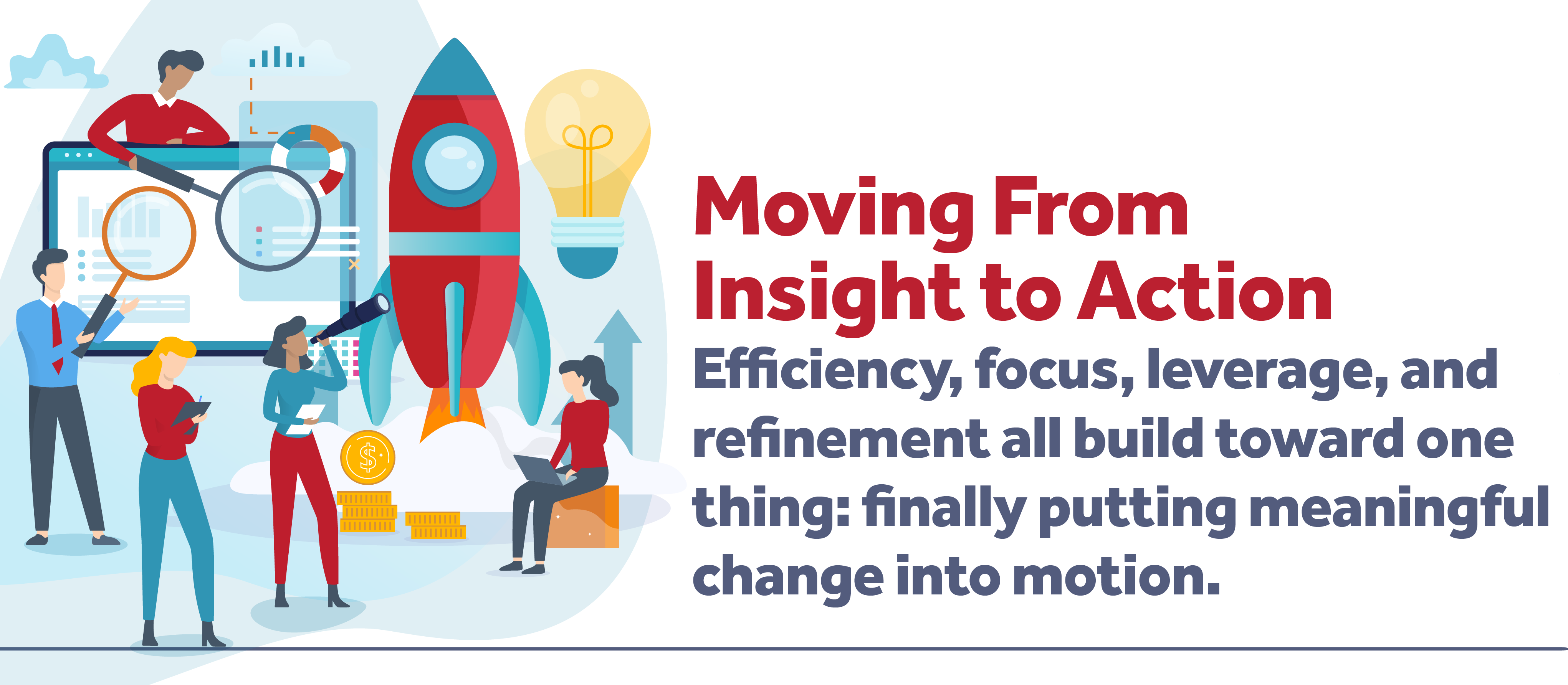
Over the past several months, our content themes have focused on something many firms don’t always make time for: stepping back.
We’ve talked about improving efficiency, sharpening focus, leveraging existing resources and data, and refining the systems and processes that support your business. Each of those conversations centered around understanding where your firm is today — what’s working, what’s underutilized, and where opportunities for improvement exist.
Breaking down each of the month’s themes, efficiency challenged firms to look at where time, energy, and effort were being lost in everyday operations. Focus encouraged teams to identify what truly deserved their attention instead of trying to improve everything at once. Leverage explored how firms could better use the systems, data, and expertise they already had in place or could bring in. Refine emphasized improving the quality of processes, reporting, and operational structure so systems could deliver clearer, more reliable results.
Taken together, those themes all share a common thread: awareness.
They encourage firms to pause long enough to understand where they are, where friction exists, and where opportunities for growth may already be sitting right in front of them.
But eventually, every organization reaches the same crossroads.
You can only evaluate and plan for so long before it’s time to actually begin.
That’s where this month’s theme, Adopt, comes in.
Adoption is where strategy turns into action. It’s the point where ideas stop living in planning documents, meeting notes, or “future initiative” conversations and start becoming part of daily operations. It’s the moment where firms begin testing new processes, using underutilized tools, modernizing workflows, and giving employees the support they need to move forward with confidence.
And while adoption often sounds exciting in theory, in reality, it can feel uncomfortable at first.
Because change — even good change — introduces uncertainty.
Why Adoption Is Often the Hardest Part
Most firms already know where some of their biggest operational challenges exist.
They know which reports require hours of manual cleanup every month. They know which workflows rely too heavily on spreadsheets, email chains, or institutional knowledge. They know where data inconsistencies create frustration or where processes have slowly become more complicated over time.
Teams typically don’t have a lack of awareness. They need the push to decide to move from “we should probably improve this someday” to “let’s start now.”
That transition can feel surprisingly difficult, especially because adoption affects people just as much as systems.
Some employees immediately embrace change. They enjoy learning new tools, experimenting with technology, and finding faster ways to work. Others prefer predictability and consistency. They may worry about making mistakes, slowing down productivity, or losing familiarity with processes they’ve relied on for years. Most teams include a mix of both perspectives.
And honestly, that’s normal.
Successful adoption is rarely about forcing people to instantly change the way they work. Instead, it’s about helping people understand why the change matters, how it benefits them, and what support exists to help them succeed along the way.
That’s one of the biggest misconceptions around implementation and operational improvement: technology alone does not create transformation.
People do.
A new system, dashboard, workflow, or automation only creates value if teams actually use it consistently and confidently. Without adoption, even the best technology investments can end up underutilized.
That’s why change management matters so much — especially in project-based firms where teams are already balancing deadlines, budgets, staffing pressures, and client expectations.
The goal is not to create disruption for the sake of disruption.
The goal is to remove friction, improve visibility, and make everyday work more manageable over time.
Adoption Rarely Happens All at Once
One of the reasons firms sometimes hesitate to move forward with change is because they assume adoption has to happen in one massive leap.
A complete overhaul.
A fully redesigned process.
An immediate shift in how everyone works.
But in reality, meaningful adoption is usually much smaller and more gradual than that.
It often begins with small, visible wins:
- One team testing a new workflow
- One department improving reporting visibility
- One repetitive task becoming automated
- One employee finding a faster way to work
Those moments matter because people tend to trust real experiences more than promises. Seeing a coworker successfully use a new process or tool often builds confidence faster than any rollout presentation ever could.
That’s why internal advocates are so important during adoption. When employees at different levels of the organization begin using new systems successfully — and sharing those successes with others — change starts feeling less intimidating and more achievable. Over time, what once felt unfamiliar simply becomes part of how the organization operates.
That’s something we discussed during our recent LinkedIn Live conversation with RTM Engineering Consultants, where we explored how their organization approached business intelligence and reporting using Power BI alongside Deltek Vantagepoint.
What stood out during the conversation wasn’t just the technology itself — it was how adoption evolved throughout the organization over time.
Some users immediately embraced the ability to access and visualize data differently. Others needed more context and exposure before they felt comfortable changing the way they interacted with reporting. But as teams became more familiar with the tools and began seeing the practical benefits firsthand, momentum started building naturally.
That progression is important because it reflects the reality of adoption inside most firms.
Very few organizations experience instant company-wide transformation overnight. More often, successful adoption happens through gradual trust-building, practical use cases, and visible wins that encourage additional engagement across teams.
Our recap blog, Turning Vantagepoint Data into Real Insight: What We Learned from RTM’s Power BI Journey, explores this process in more detail and highlights how thoughtful implementation and user adoption can completely change the way firms interact with their data.
Starting Small Is Still Progress
The same principle applies to one of the biggest conversations happening across nearly every industry right now: artificial intelligence.
For many firms, AI feels exciting and intimidating at the same time. Teams see the potential benefits, but they also worry about complexity, accuracy, learning curves, or simply not knowing where to begin.
But adoption doesn’t have to start with building custom AI tools or completely reinventing your business processes overnight.
In many cases, the easiest place to begin is with the AI functionality already being introduced into the systems your teams use every day. Tools like Dela within Deltek Vantagepoint are designed to help firms work more efficiently by surfacing insights, simplifying tasks, and making information easier to access within an existing workflow.
That’s part of what makes AI adoption feel more approachable for many organizations — it can start with small, practical improvements inside familiar systems rather than massive operational change.
Our recent LinkedIn Live, Adopting AI in Your Life and Business, explored this idea in more detail and emphasized an important takeaway: you do not need to become an expert overnight to begin benefiting from new technology.
Whether it’s experimenting with AI-assisted reporting, summarizing meeting notes, organizing action items, or simply becoming more comfortable interacting with new tools, adoption often starts with curiosity and small-scale experimentation.
For firms looking to better understand Dela and how AI capabilities are evolving within Deltek Vantagepoint, Deltek’s Dela Learning Hub is a great place to start exploring available resources and use cases.
Maybe AI helps summarize meeting notes after a long project discussion.
Maybe it assists with organizing action items.
Maybe it helps brainstorm ideas, improve communication, or simplify repetitive administrative tasks.
Those smaller use cases create familiarity and confidence without overwhelming employees with unrealistic expectations.
The same mindset applies across operational improvements in general.
Adoption does not require a dramatic overnight transformation. More often, it looks like incremental improvements that steadily reduce friction and help teams work more effectively over time.
That philosophy is also part of the thinking behind our Powering Project Success with Deltek Vantagepoint mini-demo series.
These short demonstrations are intentionally designed to help firms explore practical improvements in manageable ways. Instead of overwhelming teams with massive process overhauls, the mini-demos focus on specific workflows, tools, and real-world use cases firms can begin applying immediately.
Whether the topic involves:
- billing workflows
- CRM strategy
- reporting visibility
- project management tools
- financial processes
- contact segmentation
- dashboard improvements
…the goal is the same: make adoption feel approachable.
Sometimes all people need is a starting point.
The “Perfect Time” Usually Never Comes
One of the biggest barriers to adoption is the belief that firms need to have everything fully prepared before they begin making changes. And while preparation absolutely matters, waiting for perfect conditions often creates its own form of stagnation.
Because the truth is, many improvements become clearer only after implementation begins.
Teams learn through interaction.
Processes improve through repetition.
Confidence develops through experience.
In many ways, adoption is iterative.
You start with what you know.
You identify what works.
You adjust where needed.
You continue improving over time.
That process is often far more effective than endlessly planning for a “future version” of the organization that somehow has unlimited time, flawless data, and zero operational constraints.
The firms making the biggest strides today are not necessarily the firms with the largest budgets or the most aggressive technology strategies.
Often, they are simply the firms willing to take the first step.
They are willing to pilot a new process.
Experiment with a new reporting method.
Test a workflow improvement.
Give employees space to learn and adapt.
Most importantly, they understand that progress and perfection are not the same thing.
Adoption Is Ultimately About People
At its core, adoption is not really a technology conversation.
It’s a people conversation.
Successful adoption happens when employees feel supported instead of overwhelmed. It happens when leadership communicates clearly about why change matters and what success actually looks like. It happens when firms create environments where people feel comfortable asking questions, learning gradually, and improving over time.
That human side of implementation is easy to overlook, but it often determines whether a new process becomes fully integrated or quietly abandoned a few months later.
At Full Sail Partners, that’s a major part of how we approach consulting, implementation, and process improvement work. As your advisors, our passion is to help firms create sustainable operational improvements that people will actually use long after implementation is complete.
That means understanding how teams work, identifying where friction exists, and helping organizations introduce change in ways that feel practical and manageable instead of disruptive. Adoption is not about chasing every new trend or reacting to the loudest idea in the room. It’s about thoughtfully applying the insights, tools, and improvements that genuinely support your firm’s long-term goals.
You do not need every answer before you begin.
You do not need a perfect roadmap before taking the first step.
And you certainly do not need to change everything overnight.
You just have to be willing to start.






 Between quarterly updates, opt-in features, and a steady stream of enhancements across finance, project management, and AI… it’s a lot. And most teams don’t have time to sift through every release note to figure out what actually matters.